Fleet Management
Vehicle management
Maintain your fleet registry, vehicle status, and document readiness so dispatch and rentals start from accurate vehicle data.
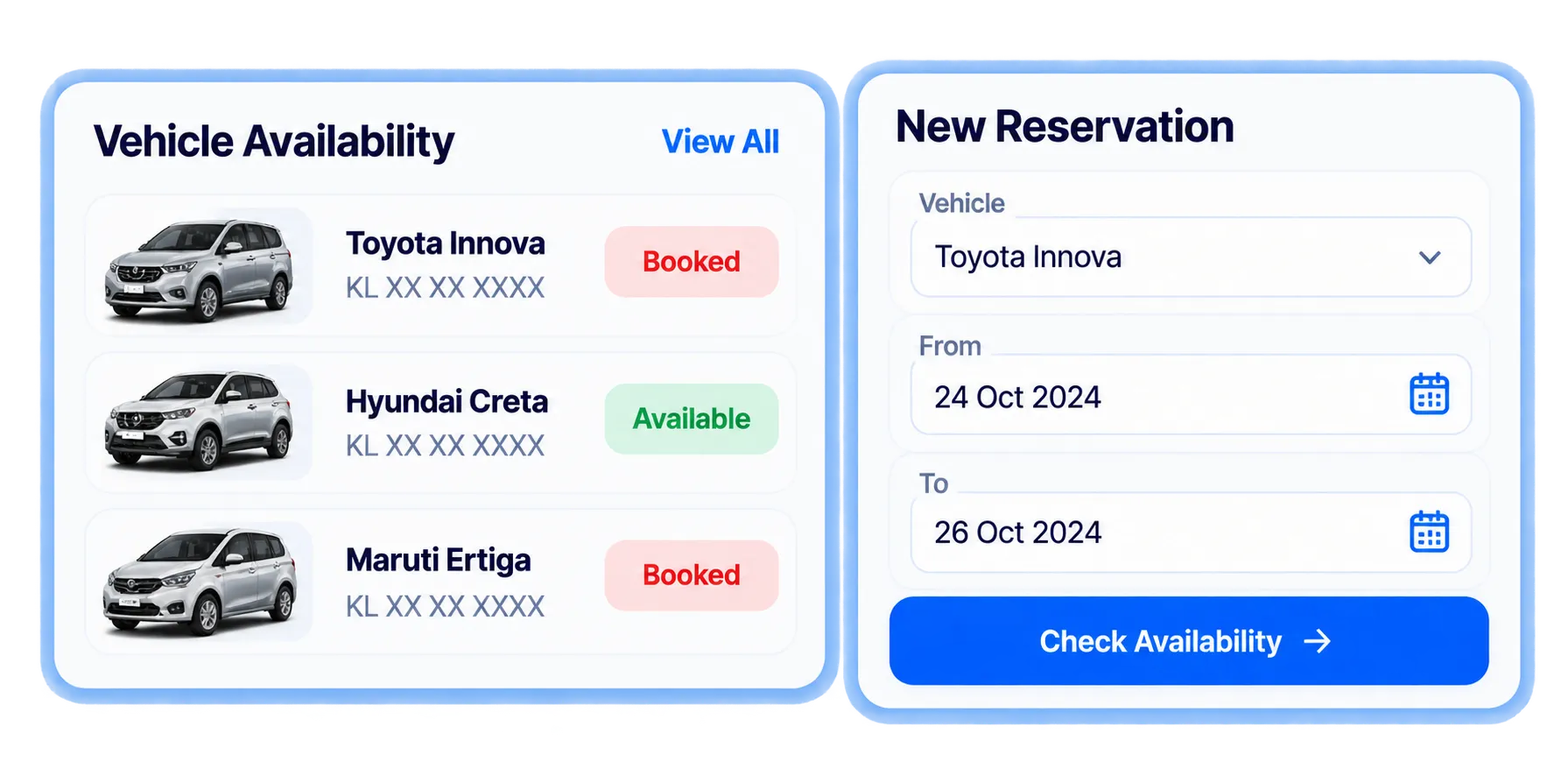
Key capabilities
- Fleet vehicle CRUD and catalog-backed records
- Imports for vehicles in bulk
- Vehicle issues and operational status
- Document readiness linked to compliance vault
How vehicle management works in DriveOps
DriveOps Vehicle Fleet Management keeps commercial vehicle records, status, and compliance documents in one place—so ops teams are not chasing paper files across branches.
Digital Vehicle Registry
Maintain specs, registration details, odometer context, and current status for every vehicle.
Compliance Document Vault
Store RC, insurance, permits, fitness, and related certificates with expiry tracking.
Expiry Alerts
Get alerts (including WhatsApp where configured) before key compliance documents expire.
Vehicle Imports
Import vehicle lists to onboard fleets faster—drivers and vehicles import paths are supported.
Frequently asked questions
What documents can I track in DriveOps?
You can vault vehicle compliance documents such as RC, insurance, permits, fitness, and emission certificates, with expiry scanning and alerts.
Can I manage different vehicle types?
Yes. DriveOps supports fleet catalogs and segments so passenger, rental, and goods fleets can organize vehicles by type and use.
Does DriveOps do OCR on every document?
OCR field extraction is optional and configurable. By default it is off; teams can enter and store documents without OCR.
Ready to try DriveOps?
Start a free trial or book a demo with the sales team.