Fleet Management
Fleet fuel management and logs
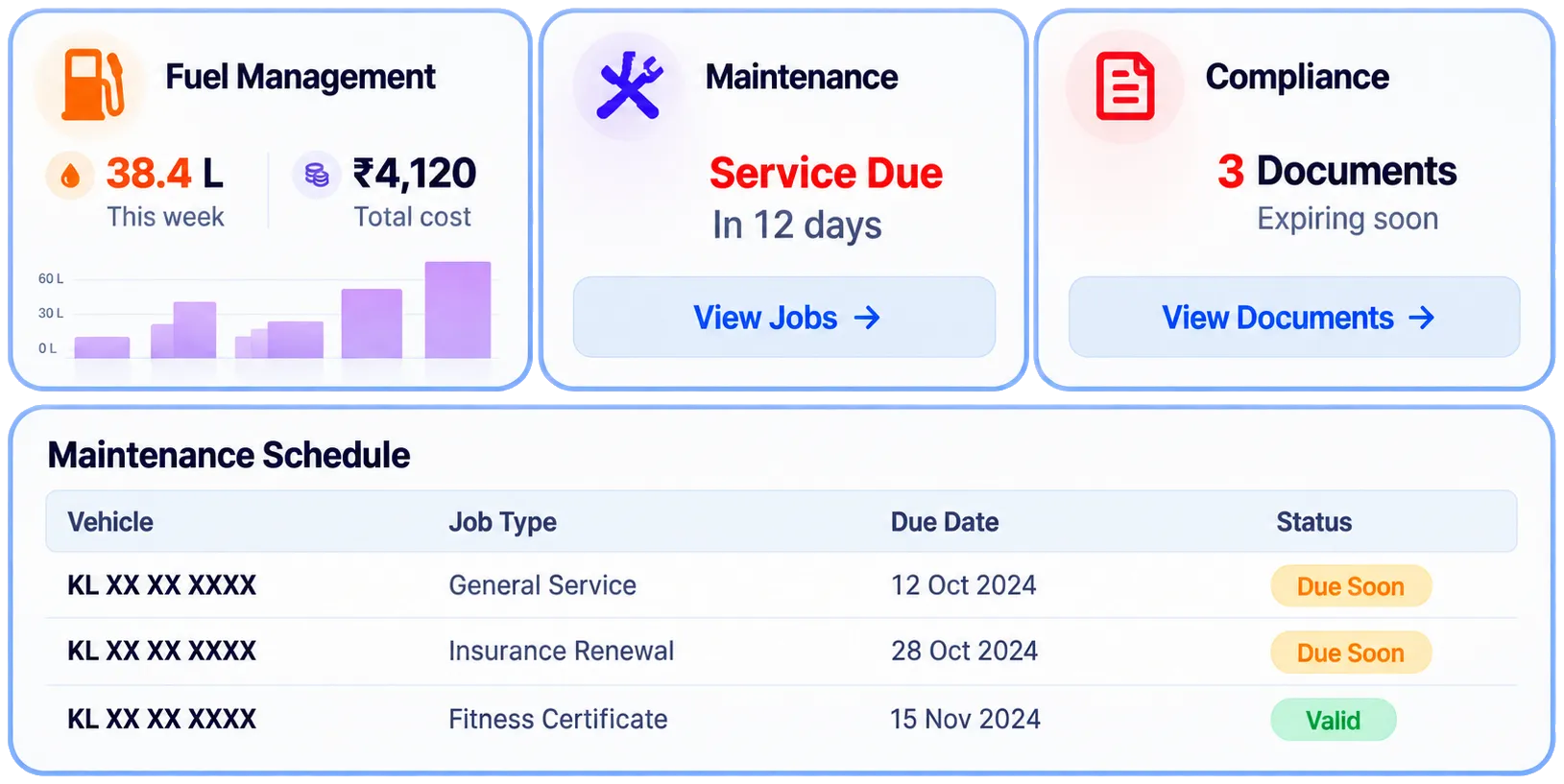
Keep vehicle fuel records in one place. Drivers and office teams can record refuelling quantity, price, odometer readings and receipts so daily fuel activity is easier to review.
Key capabilities
- Fuel entry capture from the Driver App and operations console
- Quantity, price and odometer readings for refuelling records
- Receipts associated with fuel entries
- Vehicle fuel records alongside daily trip and maintenance context
Workflow
- Select vehicle
- Record refuelling details
- Attach receipt
- Submit fuel entry
- Review records in operations
Frequently asked questions
What does DriveOps fuel management cover?
DriveOps records fuel entries from drivers and operations staff, including quantity, price, odometer readings and receipts. It supports everyday fuel record management.
Can small taxi and travel fleets use digital fuel logs?
Yes. Drivers can submit refuelling details through the Driver App, while office teams record and review vehicle fuel records in DriveOps.
Can I keep receipts with vehicle fuel entries?
Yes. Fuel logs support receipt associations alongside quantity, price and odometer details.
Can staff see fuel costs alongside maintenance records?
Fuel entries and maintenance job costs provide operational context for day-to-day fleet spending. They are not a full accounting or profitability suite.
Does DriveOps measure tank levels or detect fuel theft?
No. Fuel management is based on recorded entries. Fuel sensors, theft detection, FASTag reconciliation and automated fuel-card integrations are not documented capabilities.
Ready to try DriveOps?
Start a free trial or book a demo with the sales team.