Operations
Customer review management
Collect passenger feedback through WhatsApp and review incoming replies in a shared operations inbox. DriveOps helps Indian taxi, travel and transport teams keep post-trip feedback visible to the people running the service.
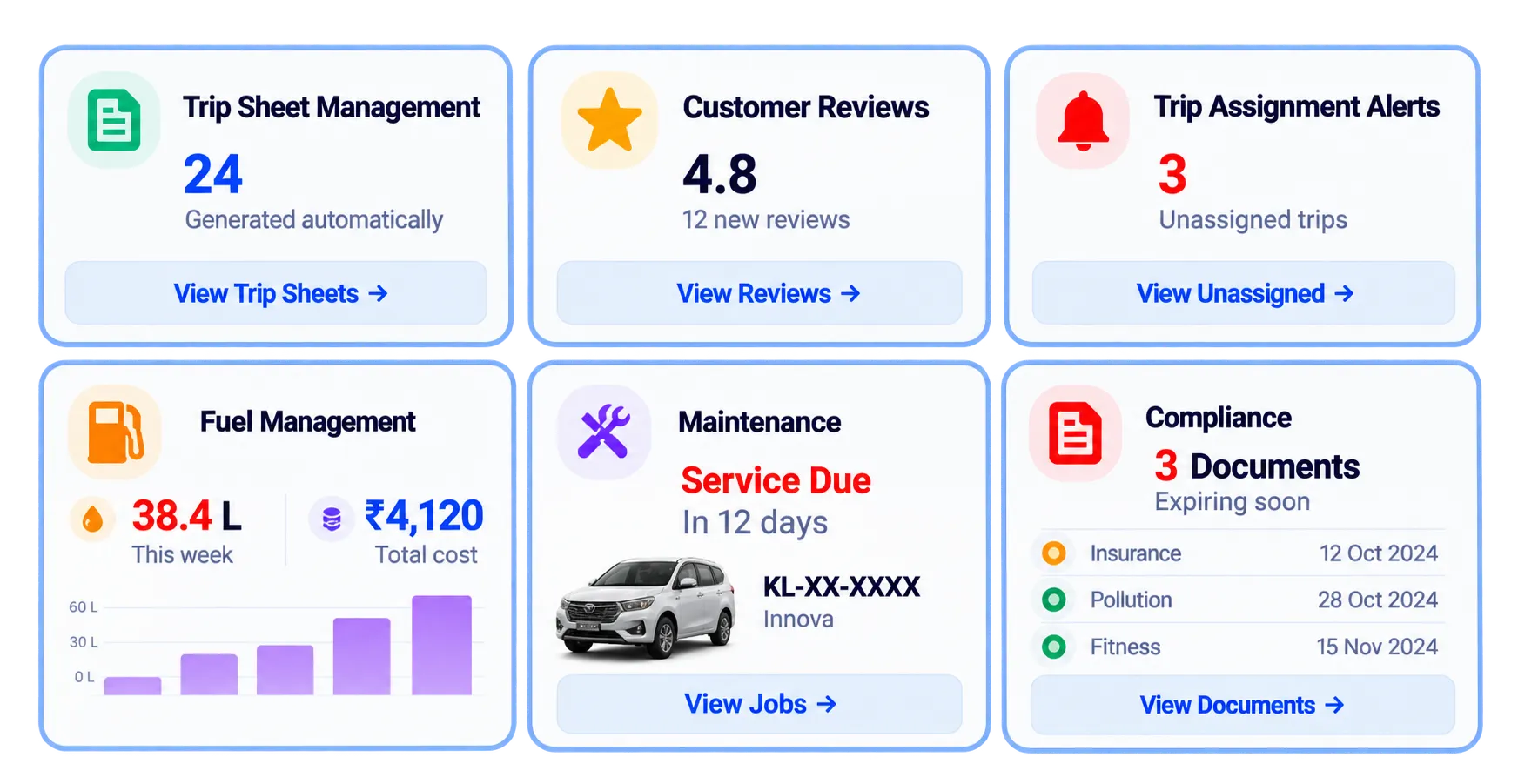
Key capabilities
- Post-trip WhatsApp review requests through configured templates
- Incoming customer feedback collected in the operations inbox
- Shared visibility for staff reviewing passenger replies
- Connected WhatsApp customer communication and tracking workflow
Workflow
- Complete the trip
- Send configured review request
- Customer replies on WhatsApp
- Review feedback in the inbox
- Staff decide on follow-up
Frequently asked questions
How does customer review management work in DriveOps?
Operators send configured WhatsApp review requests after trips. Incoming customer replies are collected in the operations inbox for staff to review and follow up.
Who is this feedback workflow for?
It is designed for taxi, travel and passenger transport teams that want customer feedback available alongside everyday fleet operations.
Can the office team review passenger feedback in one place?
Yes. Inbound WhatsApp review messages appear in the DriveOps operations inbox instead of relying only on separate personal chat threads.
Does DriveOps automate every review follow-up?
No. Requests use configured WhatsApp messaging and replies are ingested into the inbox. Staff review feedback and decide on follow-up; automatic sentiment analysis and ticket workflows are not claimed.
Is this Google review management software?
No. DriveOps manages the WhatsApp feedback workflow. It does not publish reviews to Google Business or synchronize public review platforms.
Ready to try DriveOps?
Start a free trial or book a demo with the sales team.