Operations
Driver App
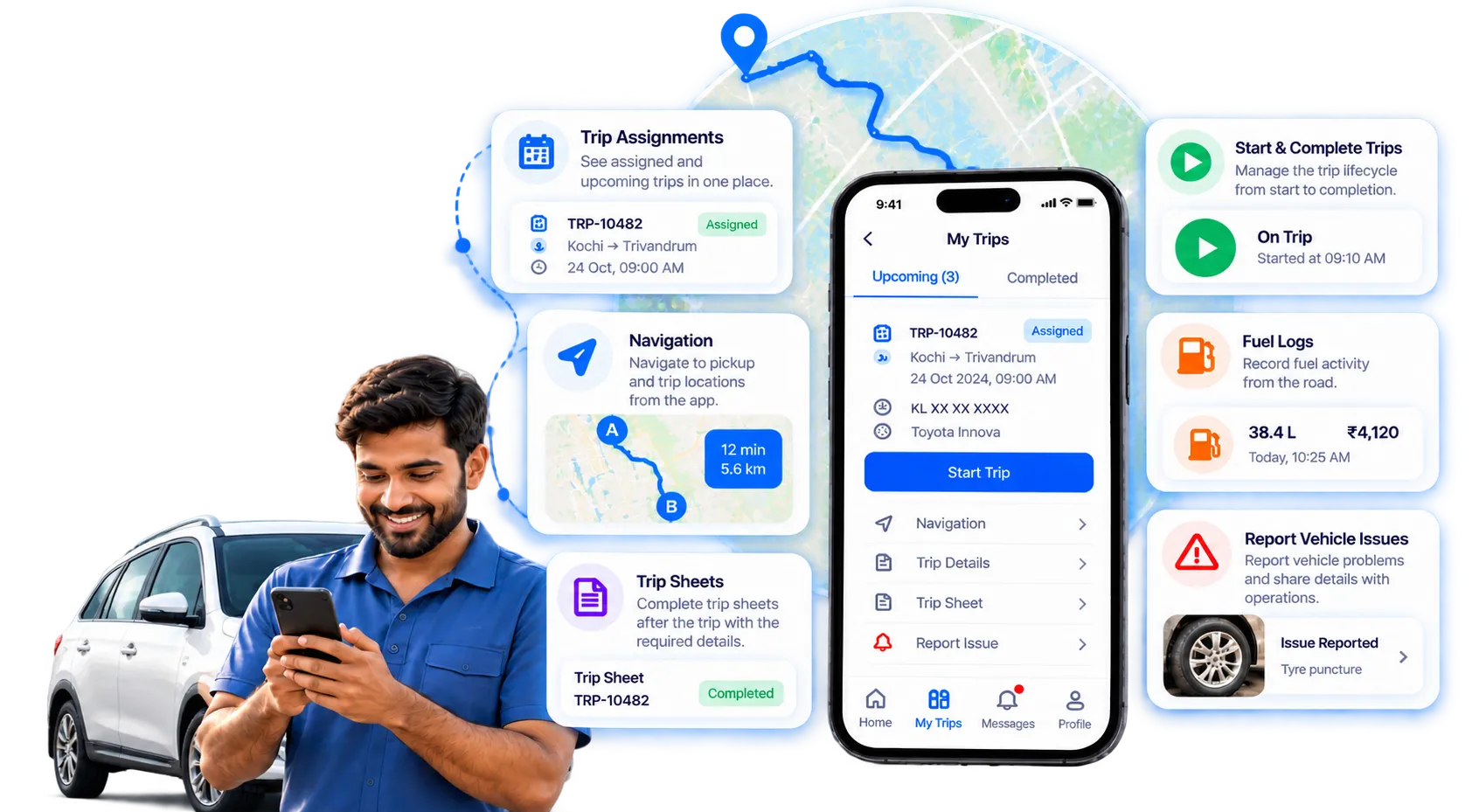
Equip drivers with duty, GPS, trip accept/reject, navigation, trip sheets, fuel logs, vehicle issues, and push notifications—in English, Malayalam, and Hindi.
Key capabilities
- Duty start/end and trip execution
- Accept/reject assignments (online)
- GPS upload for live fleet and customer tracking
- Trip sheets, fuel logs, and vehicle issues
- Languages: English, Malayalam, Hindi
- Partial offline sync for selected actions—not accept/reject
How driver app works in DriveOps
DriveOps Driver Management helps ops teams maintain driver records, shifts and attendance, and license compliance—then assign work through the Driver App and WhatsApp, with accept/reject.
Driver Records & Imports
Create and maintain driver profiles; import drivers to onboard fleets faster.
Duty & Shifts
Track duty and shift context so dispatchers know who is available to assign.
License Compliance Vault
Store driving licenses and related documents with expiry alerts.
Driver App (en / ml / hi)
Drivers use the app for duty, GPS, trips, navigation, trip sheets, fuel logs, issues, and push notifications.
Frequently asked questions
What is driver management in DriveOps?
It covers driver CRUD, shifts/attendance and duty, document vaulting for licenses, assignment workflows, and the Driver App used on the road.
Does DriveOps include driver earnings scorecards?
No. DriveOps does not market a driver earnings product, performance score product, or handover product UI.
How do drivers get trip assignments?
Ops allocate trips with candidate and conflict checks. Drivers can accept or reject via the Driver App or WhatsApp assignment messages.
Ready to try DriveOps?
Start a free trial or book a demo with the sales team.