Fleet Management
Maintenance
Track maintenance jobs and logs so vehicles stay ready for the next trip—without claiming predictive or ML-based failure detection.
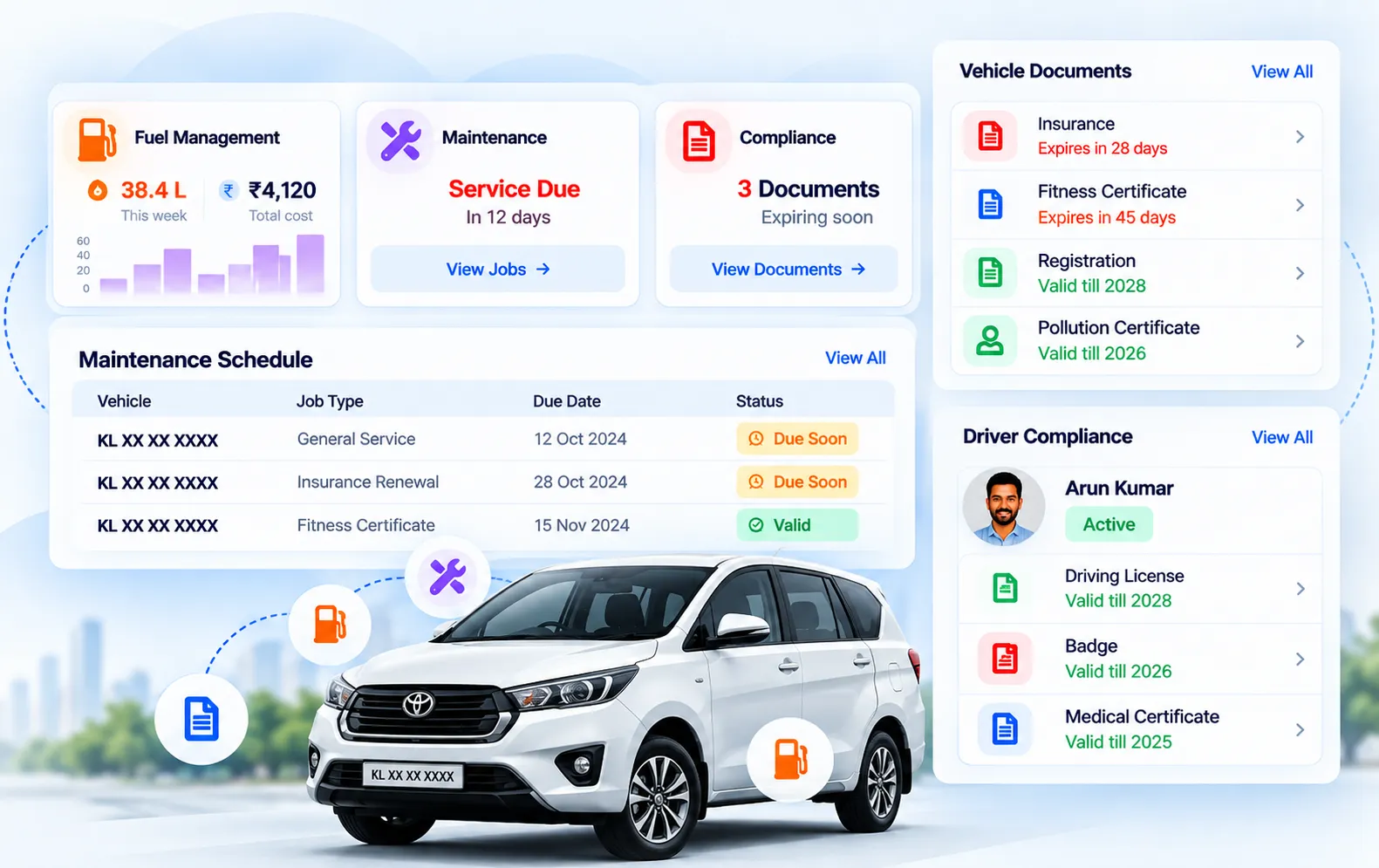
Key capabilities
- Maintenance logs and summary views
- Scheduled maintenance scan jobs
- Operational upkeep tracking for fleet readiness
- Related vehicle issues from drivers where configured
How maintenance works in DriveOps
DriveOps Maintenance helps fleets log service and repair jobs, attach costs and history, and use scheduled due scans. It is everyday upkeep tracking—not a predictive maintenance engine.
Maintenance Jobs
Start, complete, or cancel maintenance work with a clear history per vehicle.
Due Scans
Scheduled scans help surface vehicles that are due for attention based on your logged data.
Cost Visibility
Capture maintenance spend so ops can see garage costs alongside fuel logs.
Tied to Fleet Records
Jobs sit on the same vehicle registry used for trips, compliance, and issues.
Frequently asked questions
Is this predictive maintenance?
No. DriveOps supports maintenance logging and due scans. It does not claim predictive failure forecasting.
Can I record repair costs?
Yes. Maintenance events support cost tracking and history for each vehicle.
How does this connect to the Driver App?
Drivers can report vehicle issues from the app; ops handle maintenance jobs and due work in the console.
Ready to try DriveOps?
Start a free trial or book a demo with the sales team.